DVD to AVIDVD to AVI Converter, Convert DVD to AVI |
 |
| Home | Getting Started | Download | Buy Now! | Screen Shots | FAQ | Support | Contact |
DVD to AVI Software converts DVD to AVI quickly. Besides AVI, the converter could convert DVD to common video formats and portable devices, for example, MKV, DivX, WebM, iPad, AVI, 3G2, WMV, VOB, OGM, Xbox 360, and so on. The converter is an all-in-one video converter that supports more than 100 video and audio file formats and converts to 40 popular formats. It could convert MP4 to 3GP, 3G2 to iPad, OGM to BlackBerry, 3GP2 to WMV, MPEG to 3G2, MOV to WMV, DRC to WebM, OGG to BlackBerry, and so on. DVD to AVI Software supports batch conversion and is full compatible with 32-bit and 64-bit editions Vista and Windows 7.
What is DVD? DVD-Video discs respectively refer to properly formatted and structured video content. It uses MPEG-2 for video compression, with AC-3, DTS or MPEG audio for multi-channel audio support. What is AVI? There is slight overhead when used with popular MPEG-4 codecs (Xvid and DivX, for example), increasing file size more than necessary. The AVI container has no native support for modern MPEG-4 features like B-Frames. Hacks are sometimes used to enable modern MPEG-4 features and subtitles, however, this is the source of playback incompatibilities. Step-by-Step Instructions to Converting DVD to AVI
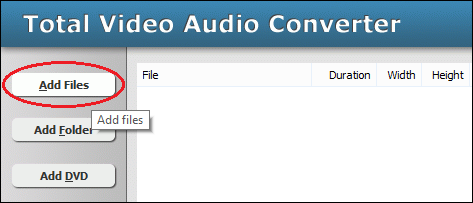 Click "Add Files" to choose DVD files and add them to conversion list. 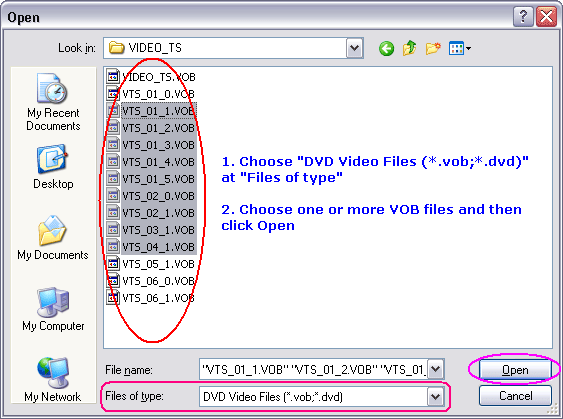 Locate to VIDEO_TS folder of DVD-ROM, and then choose one or more VOB files you want to convert and then click Open. 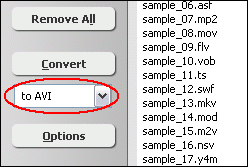 [Optional] If you want to change AVI encoding parameters, for example, vodec codec, bit rate, frame rate, video size, and aspect ratio, please click "Options". 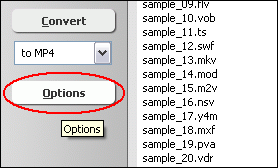 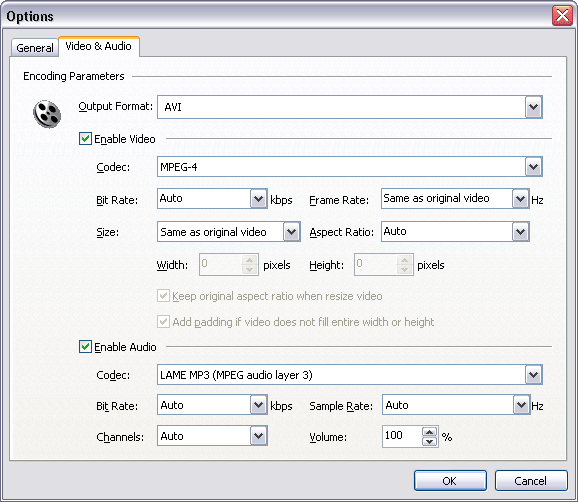 [Optional] Switch to tab "Video Options" and then set encoding parameters. 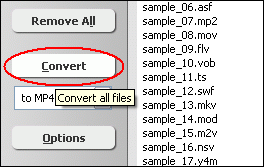 Click "Convert" to convert DVD files to AVI. 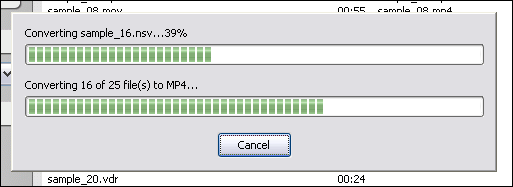 The software is converting DVD to AVI. 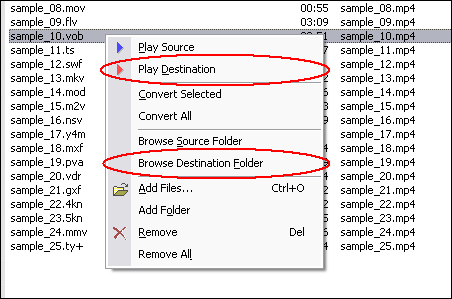 When conversion completes, you can right-click converted item and choose "Play Destination" to play the outputted file; or choose "Browse Destination Folder" to open Windows Explorer to browse the outputted file. DVD to AVI Software is 100% clean and safe to install.
It's certified by major download sites. Convert DVD to AVI Related Topics:
|



| Home | Getting Started | Download | Buy Now! | Screen Shots | FAQ | Support | Contact | Links |
| Copyright © 2008-2017 Hoo Technologies All rights reserved. Privacy Policy |